













Powered by years of download expertise
Millions of users worldwide rely on it
Security checked, no malware

Free access with all features available
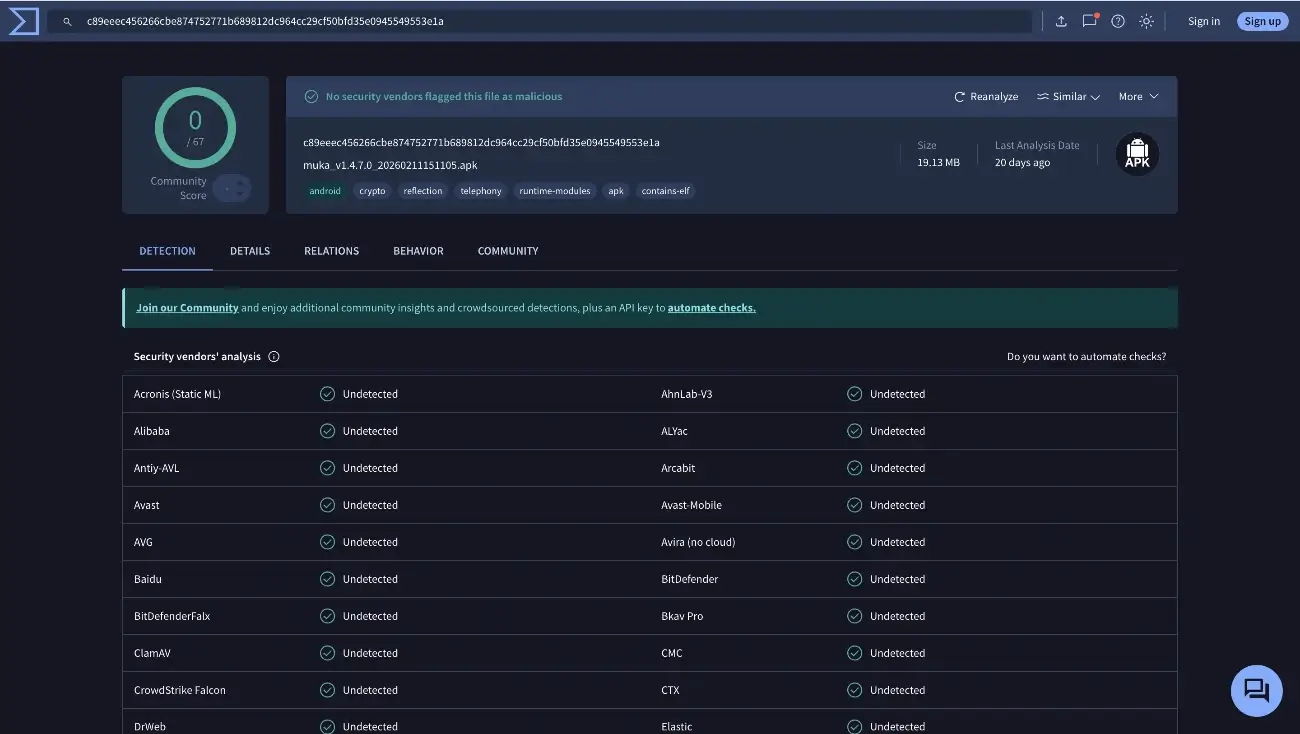

VirusTotal
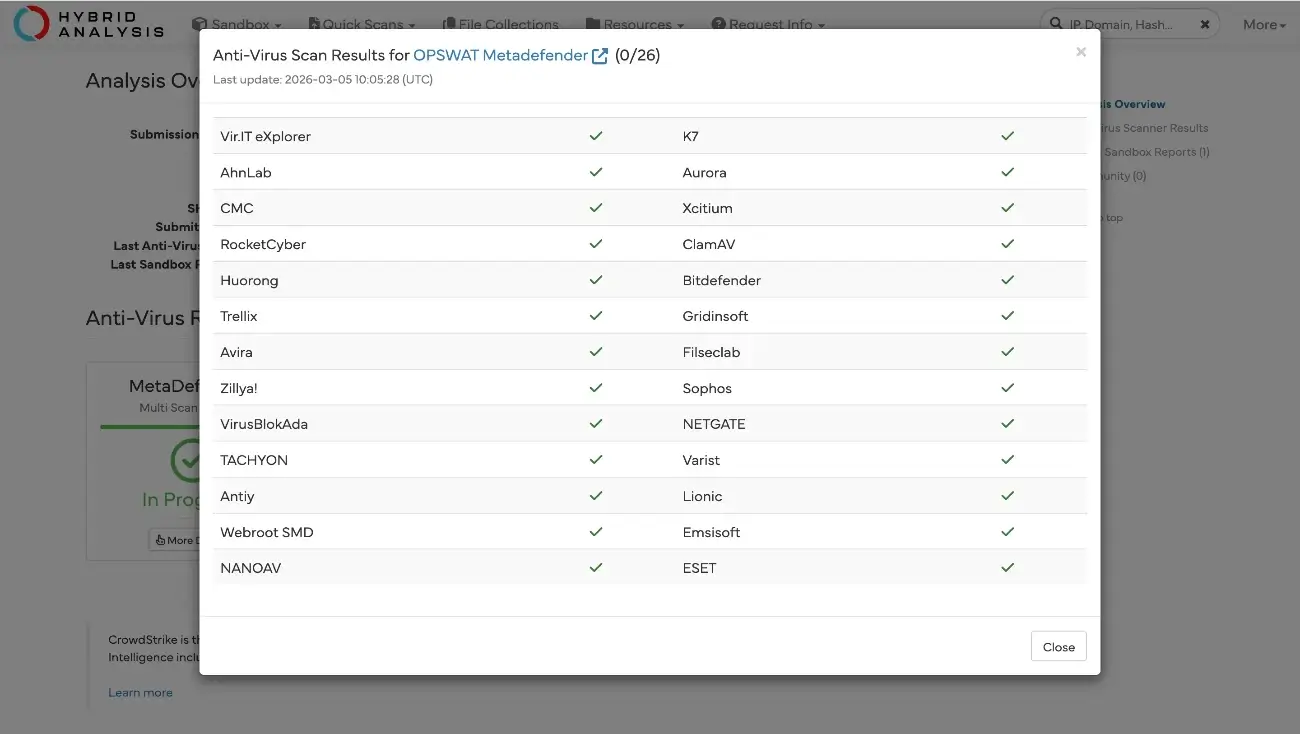
Hybrid Analysis
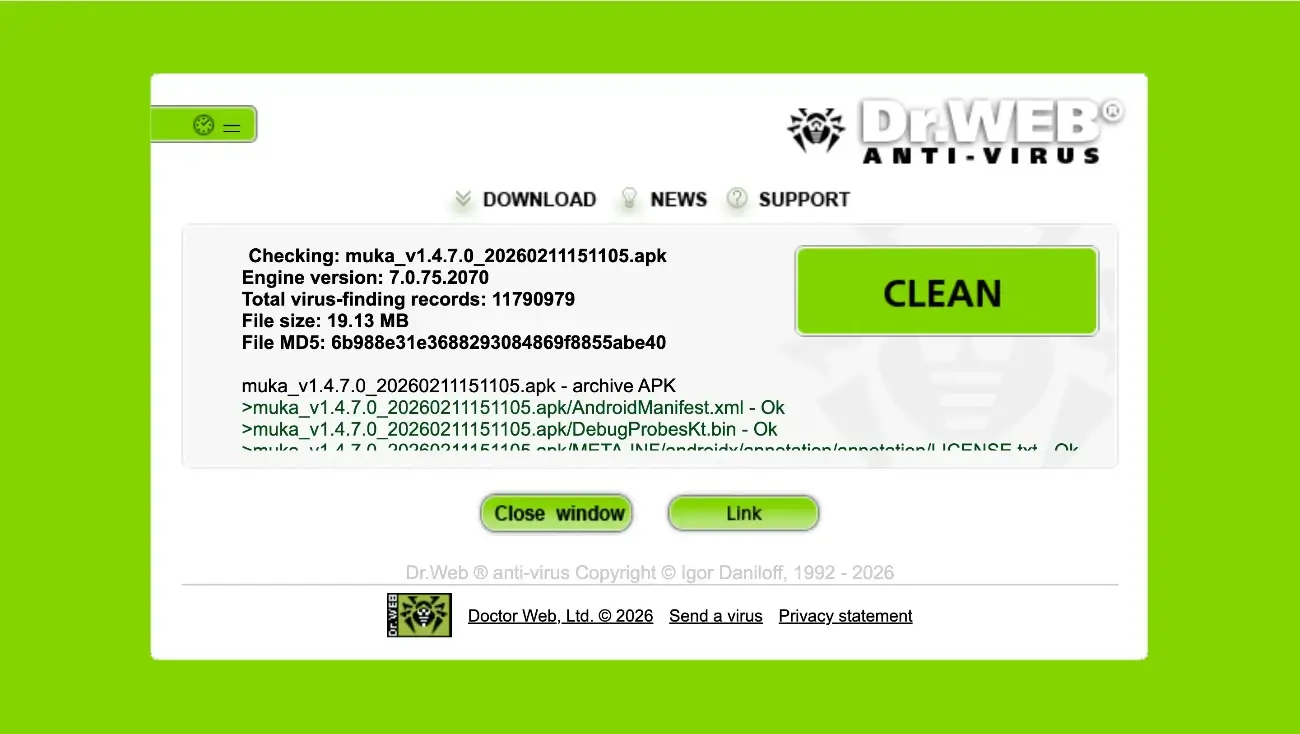
Dr.Web
Highlights of the Muka Official App

No Account Needed
Your privacy comes first. No signup or personal data — everything stays on your device, secure and private.
No Account Needed
Your privacy comes first. No signup or personal data — everything stays on your device, secure and private.

Fast Downloads
Get ultra-fast speeds. With a solid connection, even large videos finish in about a minute.
Fast Downloads
Get ultra-fast speeds. With a solid connection, even large videos finish in about a minute.

Totally Free
Every feature in Muka is free — no fees, plans, or premium tiers.
Totally Free
Every feature in Muka is free — no fees, plans, or premium tiers.

Free features with no hidden costs
Select resolutions from 144p up to 4K based on storage and network.
Free features with no hidden costs
Select resolutions from 144p up to 4K based on storage and network.

Multi-language Support
Available in many languages for convenient use worldwide.
Multi-language Support
Available in many languages for convenient use worldwide.

Works with Top Platforms
Download from leading social sites
Works with Top Platforms
Download from leading social sites
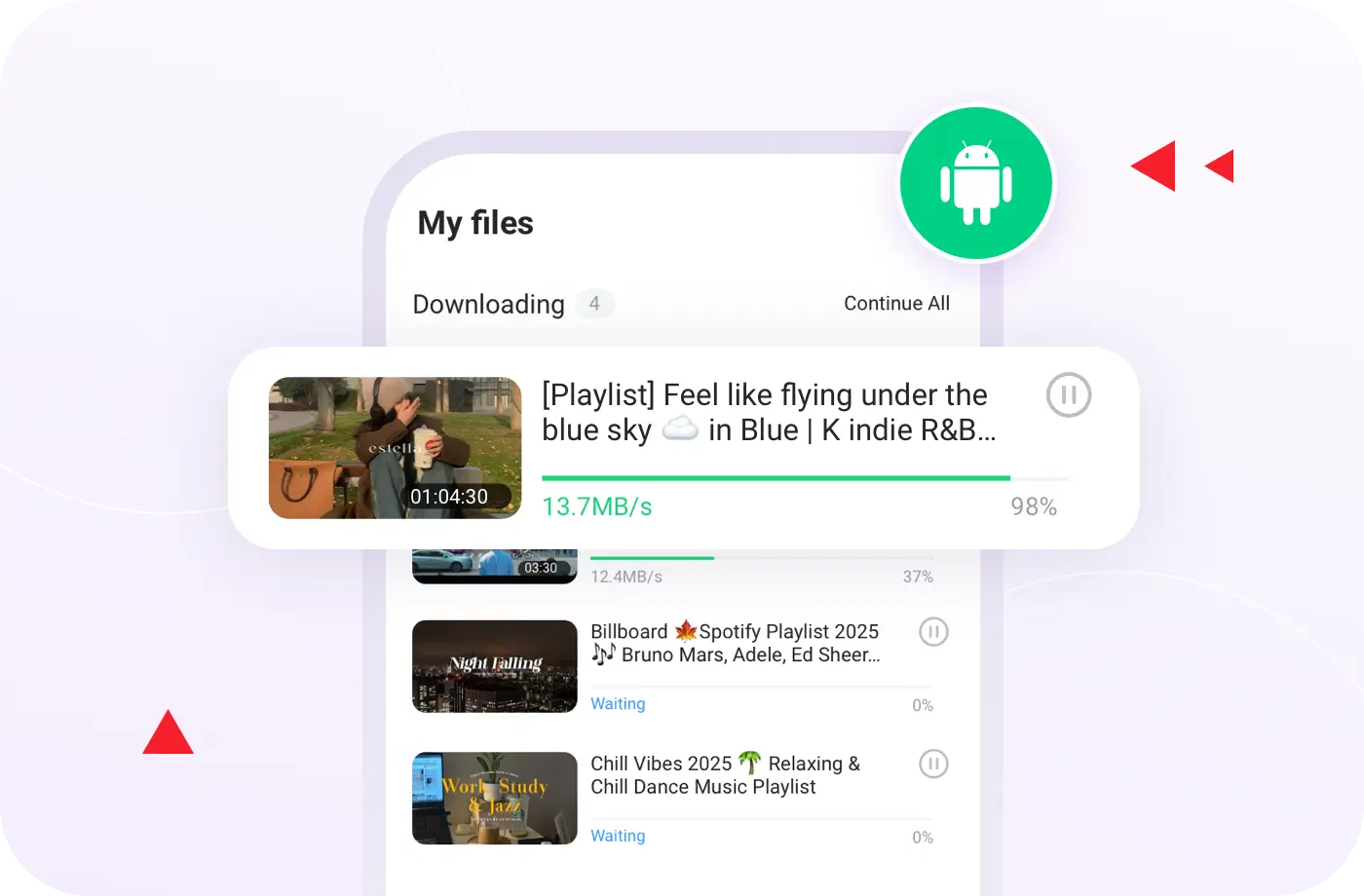
Download Playlists
Save full playlists in one tap; Muka grabs every video automatically.
Download Playlists
Save full playlists in one tap; Muka grabs every video automatically.

Pause and Resume Easily
Lost connection or left Wi-Fi? Pause and resume later with a single tap.
Pause and Resume Easily
Lost connection or left Wi-Fi? Pause and resume later with a single tap.

Responsive Support
Having trouble? Send feedback in the app and our team will assist quickly.
Responsive Support
Having trouble? Send feedback in the app and our team will assist quickly.
Why Choose the Muka Official for Downloads?
Certified Security
Official app packages are digitally signed and verified. Unlike third-party sources, Muka’s app is authentic, clean, and protected from malicious code.

Genuine Version
The official app includes all original features — no bundled software, hidden programs, or altered files.
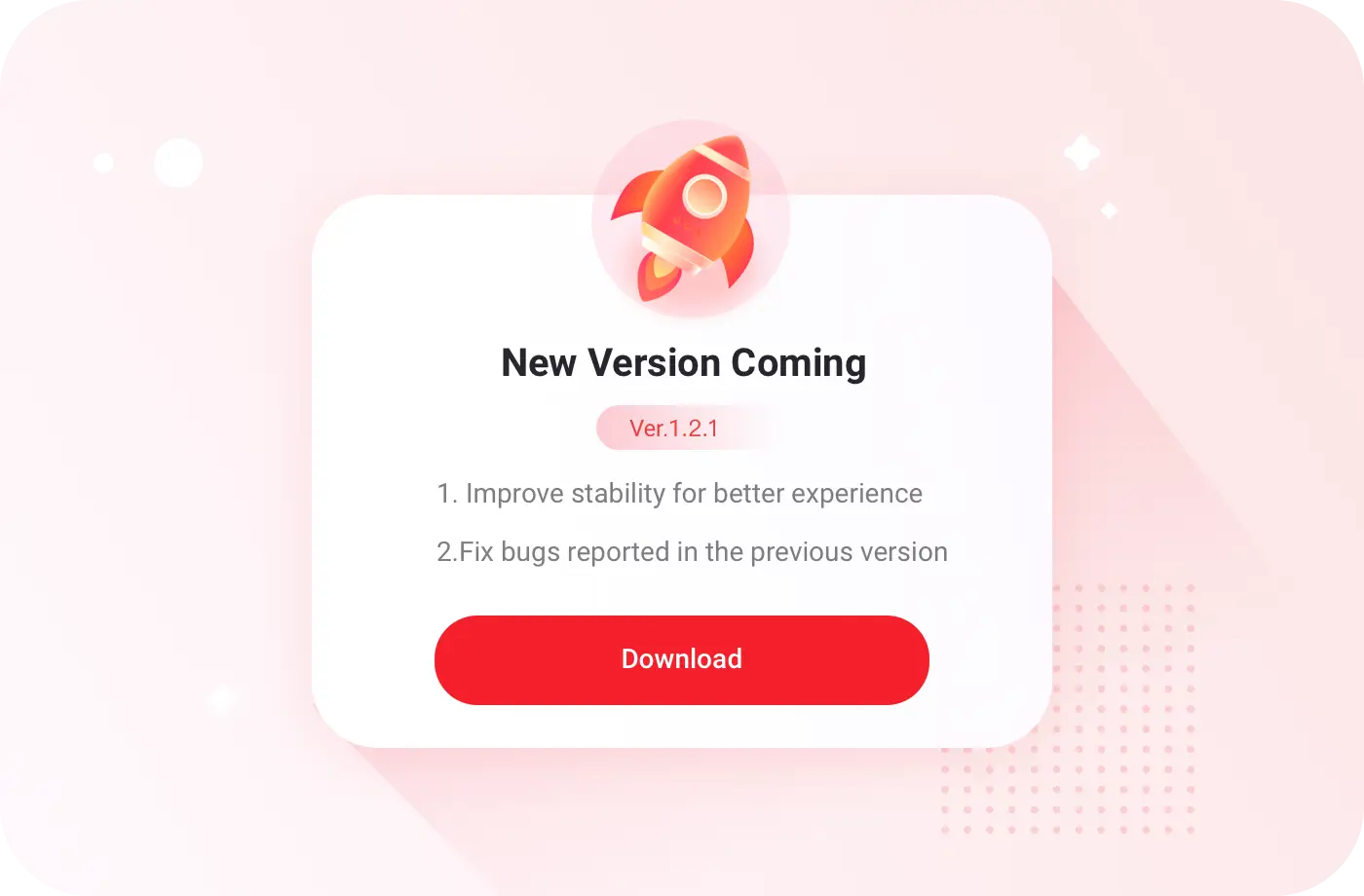
Fast Updates
Get new releases and improvements first on the Muka site. Bookmark us to grab updates immediately.
Better Compatibility
Continuously tuned for various Android versions and devices to ensure smooth performance and fewer crashes.
About Muka
Muka is a software brand developed, owned, and operated by PRECIOUS PEARL INVESTMENTS LIMITED.
The company is responsible for the development, maintenance, and official distribution of Muka Downloader and operates mukadownloader.com as the official website of Muka.
Since January 2026, Muka Downloader has been made available through its official website, where users can access official application releases, product information, security resources, and updates.
Our international development team continues to improve Muka with a focus on simplicity, performance, reliability, and a better user experience.
 Learn More
Muka Official: Choosing the Best Video Downloader
Metrics
Muka
PC Downloaders
Cost
Free
Paid tiers commonly required for advanced features
Compatible Systems
Android
Windows / Mac
Convenience

Use anywhere, anytime

Needs a computer to use
Usage Time
Always at hand on your phone
Only available when you’re on a computer
Storage Space
Lightweight app, minimal storage needed
Usually larger, uses more disk space
Metrics
Muka
Online Download Sites
Updates
Frequently updated for best performance
Often outdated and seldom maintained
User Support
Dedicated support team on standby
Windows / Mac
Features
Rich feature set with multiple download modes
Basic and limited
Download Methods
Offers three flexible download methods
Typically a single download option
Batch Download
Yes — quickly save whole playlists
Generally unsupported
User Experience
Smooth and dependable
Average or inconsistent
Security
100% safe and verified app
May carry risks or malicious code
How to Download and Install the Muka App
Step 1
Download the App
Tap "Download Muka" to get the latest official Android app.
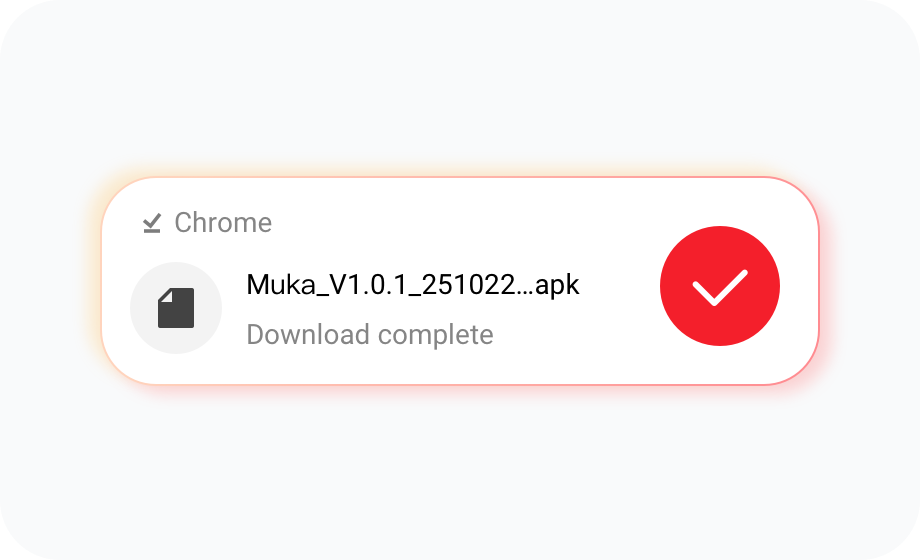
Step 2
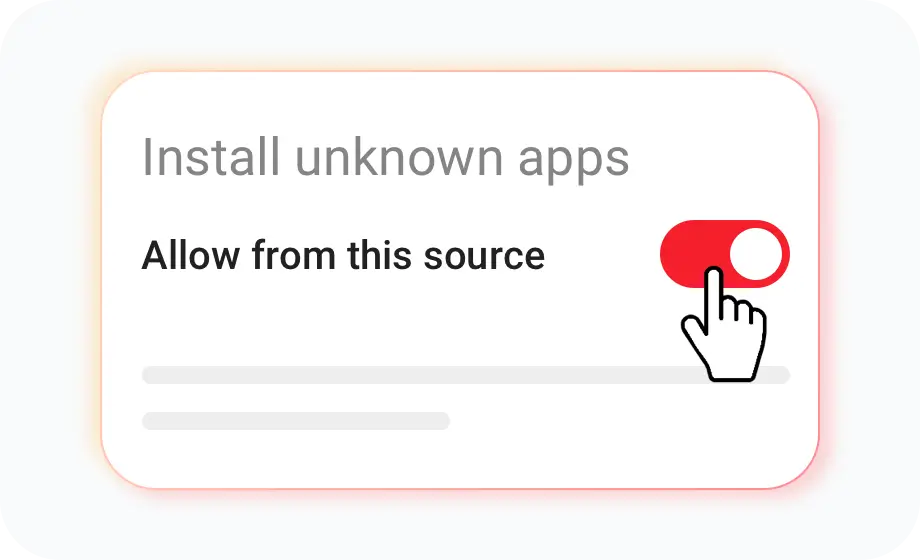
Install the App
Open the APK. If you see "Allow Unknown Sources," choose "Allow" or "Continue." This is a standard Android security prompt.
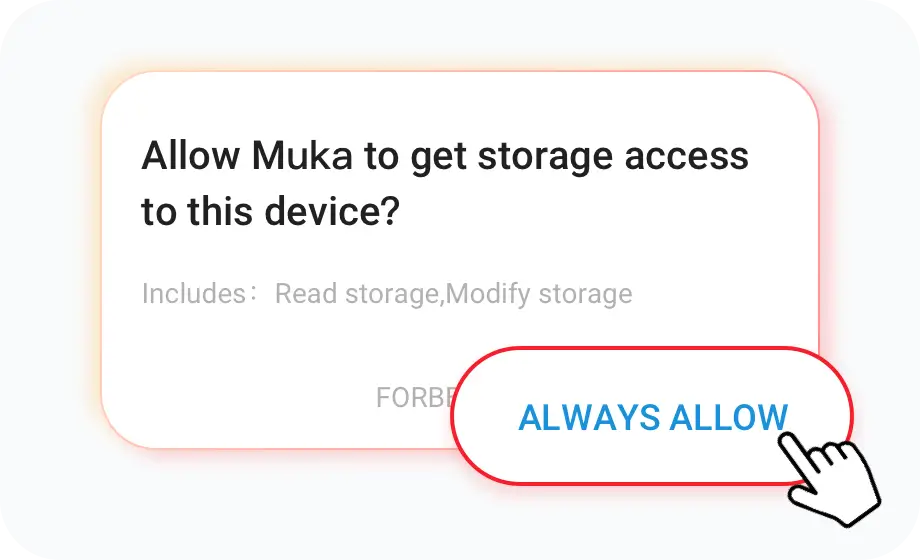
Step 3
Grant Permissions
Enable storage and any required permissions to finish installation.
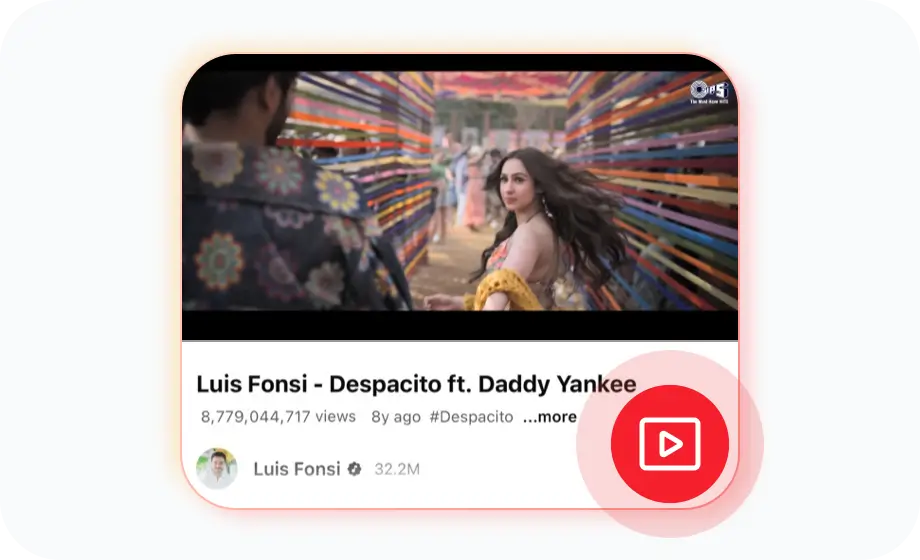
Step 4
Start Downloading Videos and Music
Open Muka, find videos or songs you love, and tap download to save for offline viewing.
FAQ
Is there a Muka app for iPhone?
No. Muka is currently available only on Android.
Can I use Muka on PC or Mac?
Not directly. You can run Muka on a computer via an Android emulator.
Does Muka have an online version?
No. To deliver the best download experience, Muka focuses on the Android app.
Are there download limits on Muka?
No. Download as many videos or songs as you want, subject to storage.
How fast is Muka’s download speed?
Speed depends on network quality. With a good connection, a TV episode downloads in about a minute.